
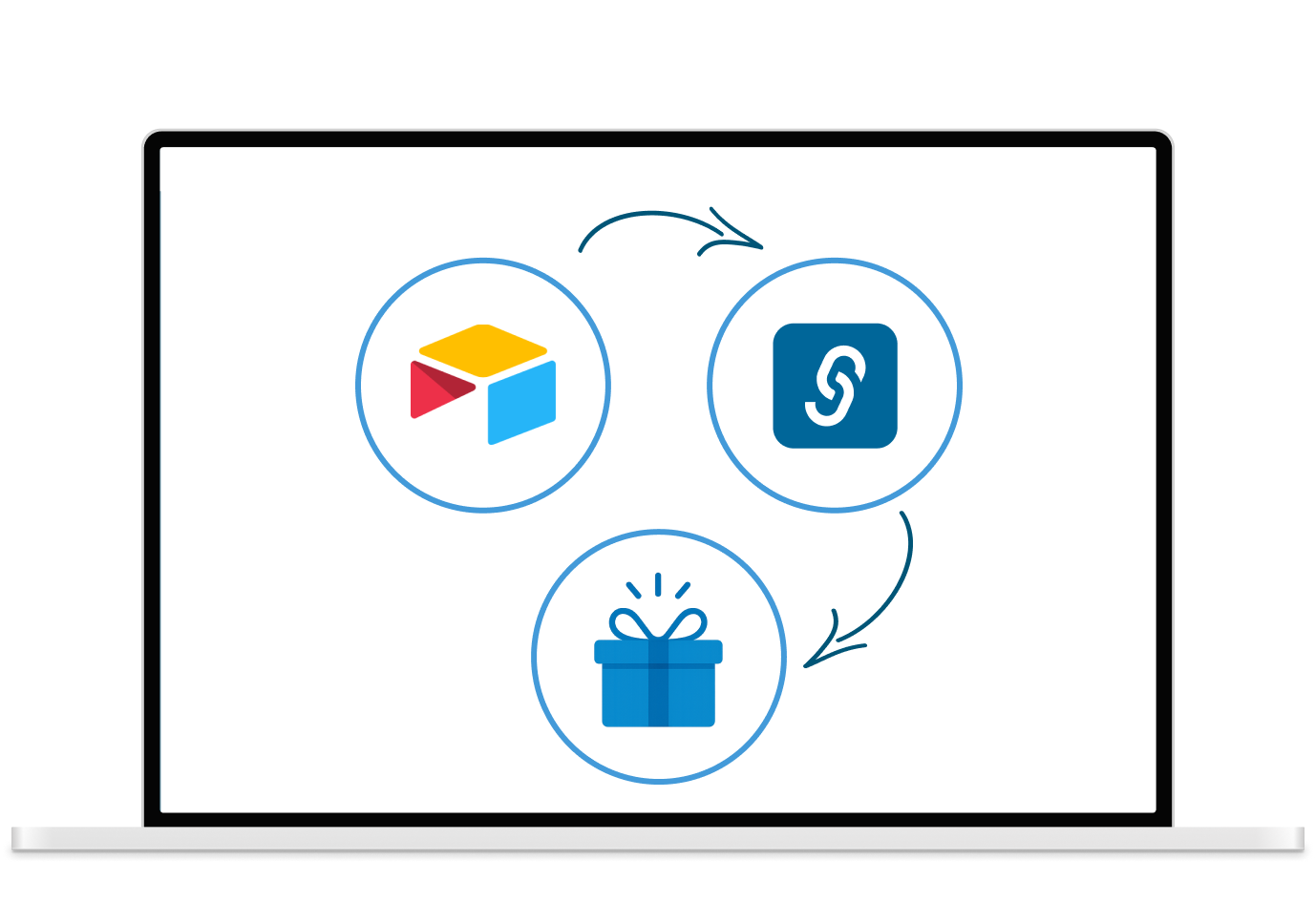
Automate gifting straight from your Airtable bases
Connect Airtable to Giftsenda via Zapier to automatically send personalized gifts when records are updated, created, or meet custom criteria, no manual tracking required.
You’re organizing everything in Airtable; except your gifting?
Airtable is your go-to hub for tracking leads, customers, campaigns, and employees. But triggering thoughtful gifts from your database still requires a ton of copy-pasting, reminders, and guesswork.
With the Airtable + Giftsenda Zap, you can automatically trigger personalized gifting moments based on any database update, saving time and creating memorable experiences at scale.

1. Lead Nurturing:
Trigger a gift when a lead moves to “Qualified” or “Closed Won.”
2. Customer Thank-Yous:
Automatically send gifts to customers listed in a campaign database.
3. Employee Recognition:
Send gifts for work anniversaries, birthdays, or performance data stored in Airtable.
4. Event Follow-Ups:
Manage event attendees in Airtable and trigger gifts post-event.
How it works:
1. Choose Your Trigger in Airtable
Use record creation, status changes, or field updates (e.g., “Stage = Closed Won”).


2. Connect to Giftsenda via Zapier
Link the trigger to a specific gift, gift collection, or branded invite.
3. Send Gifts Automatically
When the database updates, Giftsenda sends the right gift to the right person, on your behalf.

Benefits of this integration

Gifting That Keeps Up with Your Data
Send gifts the moment records hit key stages or milestones.

Zero Manual Workflows
Set it once, and let your base do the gifting.

Fully Customizable Triggers
Use filters, views, or fields to define exactly when and how gifts are sent.

Seamless Cross-Team Use
Marketing, HR, and Sales can all manage gifting directly from their Airtable bases.
Let Airtable do the tracking; and the gifting.
Connect Airtable to Giftsenda via Zapier and bring seamless, scalable gifting into your data-driven workflows.
